Keyboard Typing Wrong Characters? Check Your Layout
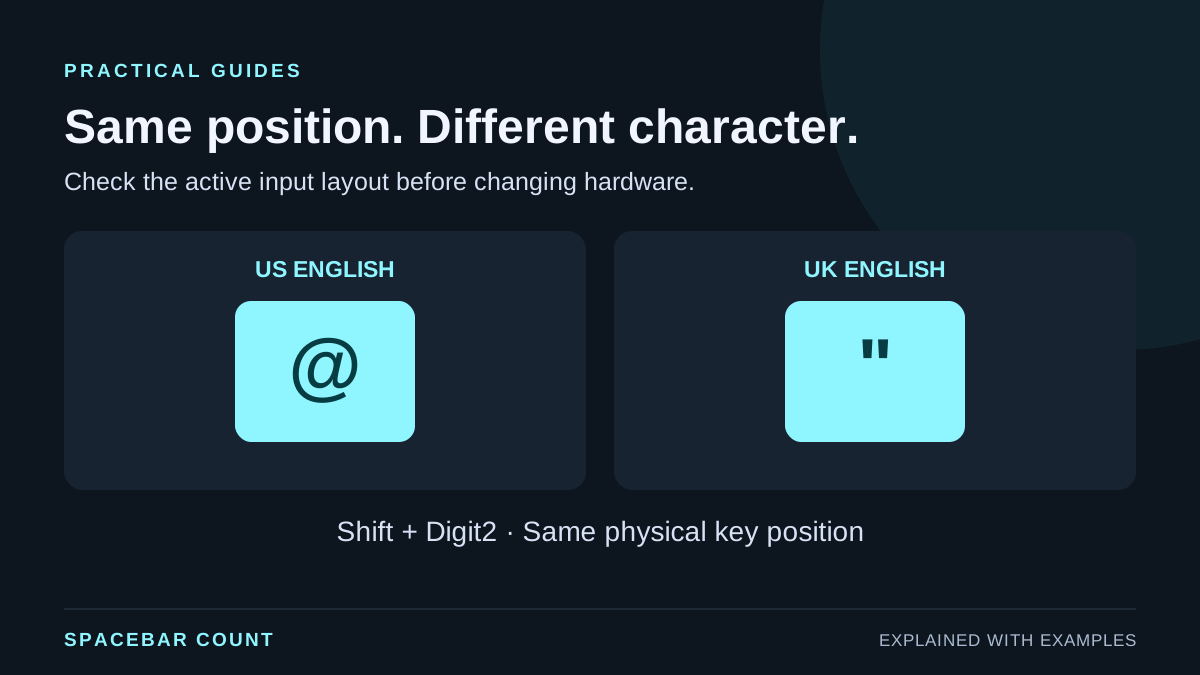
Fix swapped @ and quotation marks, Y/Z differences and other wrong keyboard characters by comparing physical keys, input layouts and modifier keys.
Spacebar Count guides
Practical steps, visual explanations and interactive examples for keyboard tests, random draws and everyday lists.
Diagnose missed inputs, combinations and keyboard layouts.
Fix swapped @ and quotation marks, Y/Z differences and other wrong keyboard characters by comparing physical keys, input layouts and modifier keys.
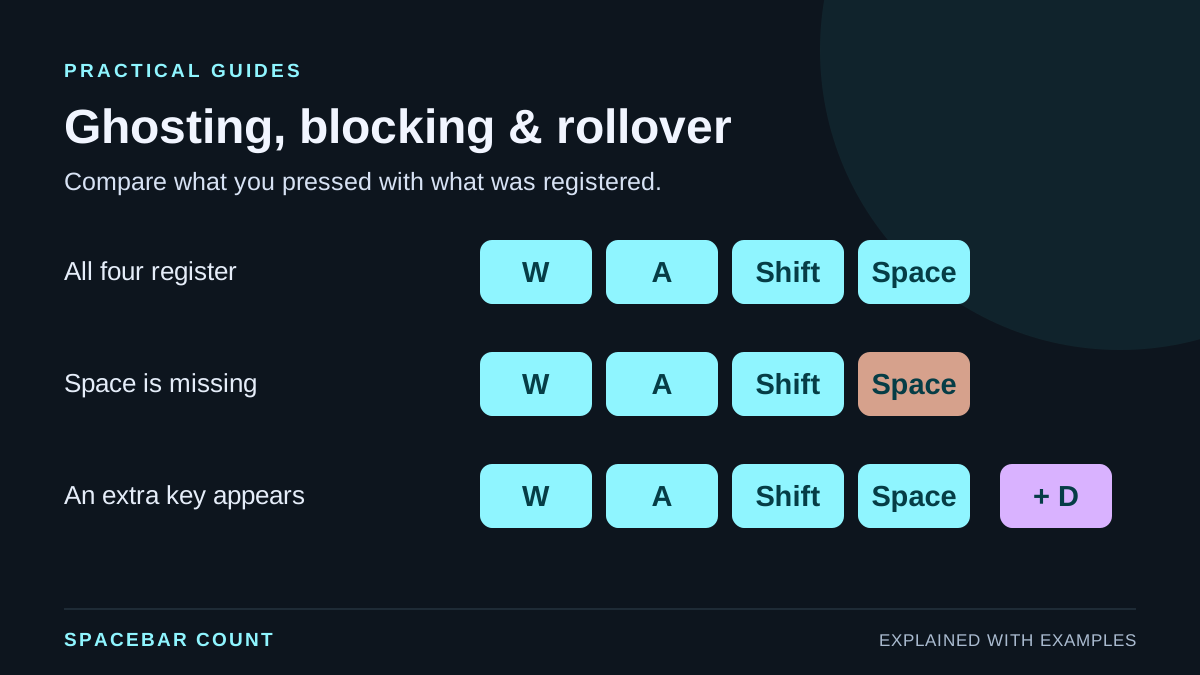
Test keyboard combinations, tell ghosting from blocked keys, and understand what a browser test can show about rollover and missed inputs.
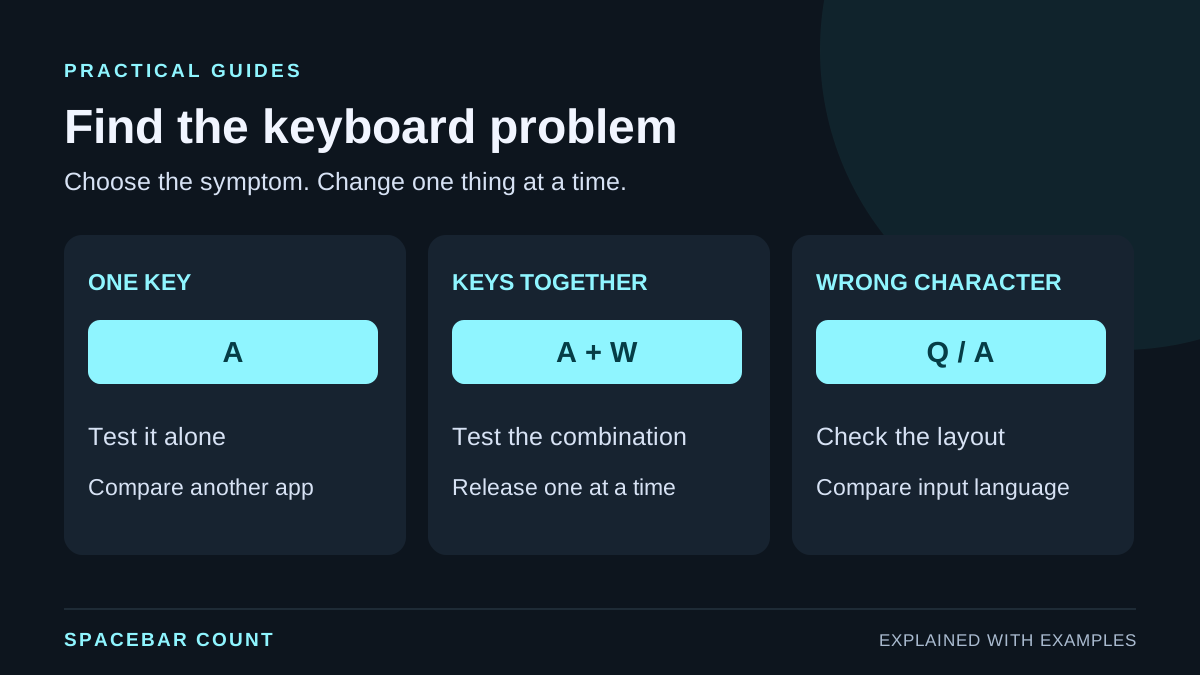
Find missed keyboard inputs by testing single keys, combinations and layout differences, then compare connections and applications before blaming hardware.
Choose the right repeat rule, manage eligible entries and understand your results.
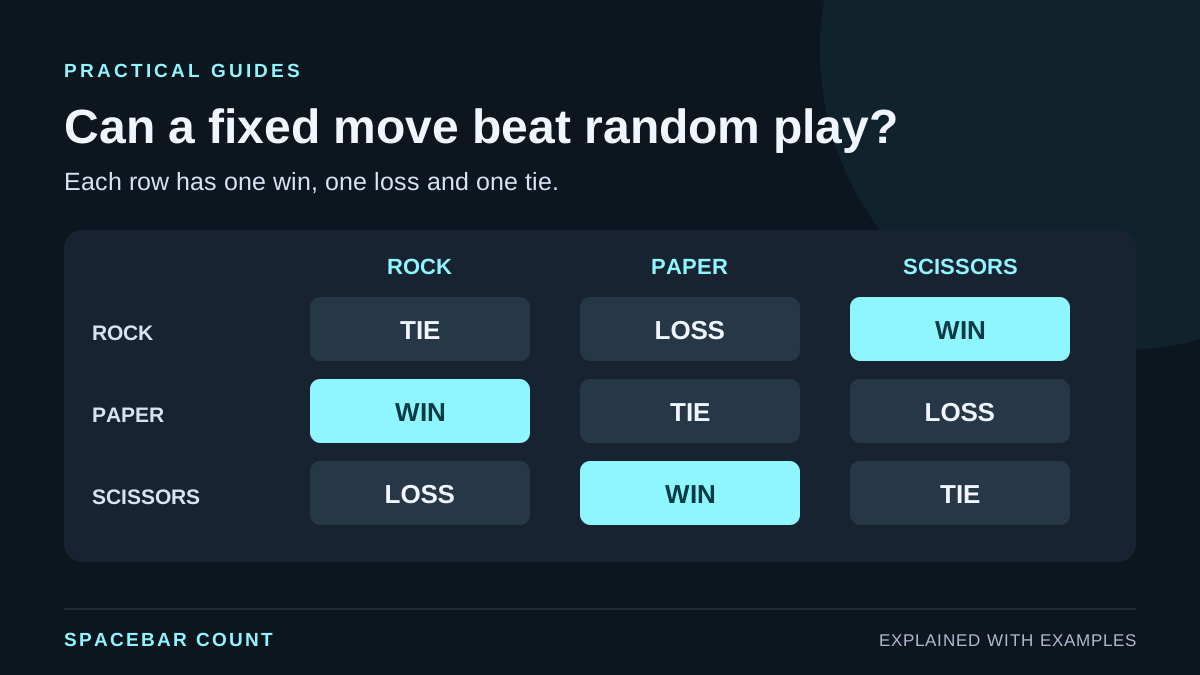
Learn rock paper scissors strategy with an interactive outcome matrix. Compare a fair random computer with a predictable opponent and separate wins, losses and ties.
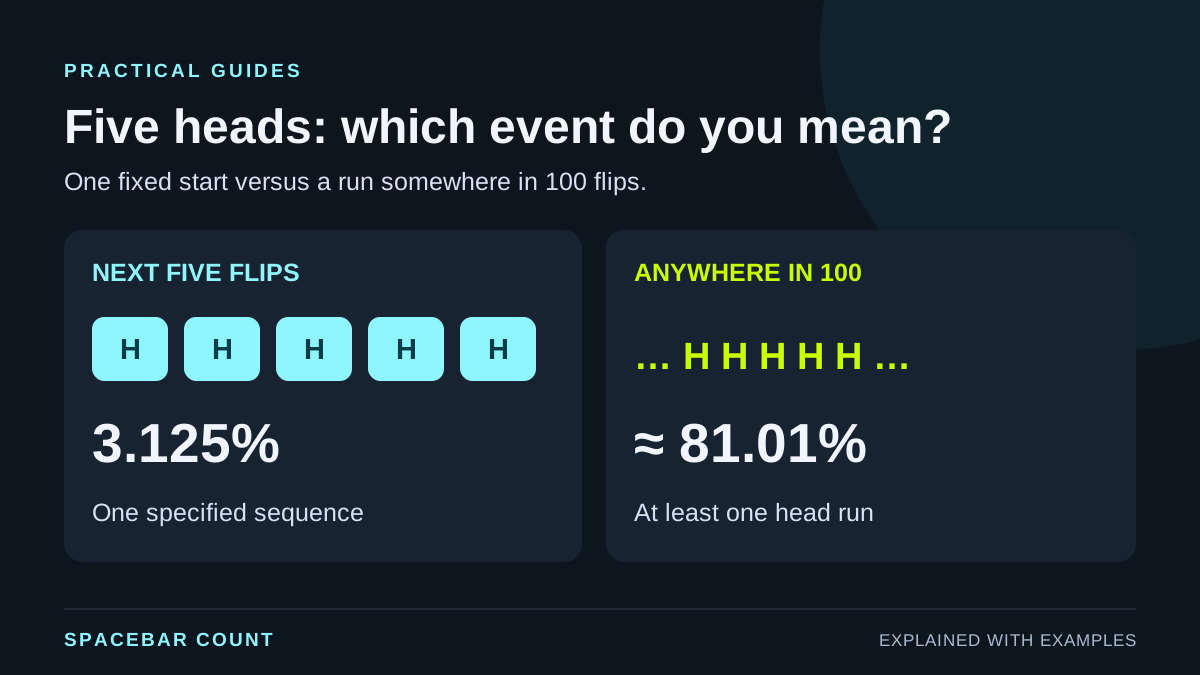
Compare the probability of consecutive heads, matching sides and a streak anywhere in a longer series. Includes an interactive calculator, worked examples and exact counts.
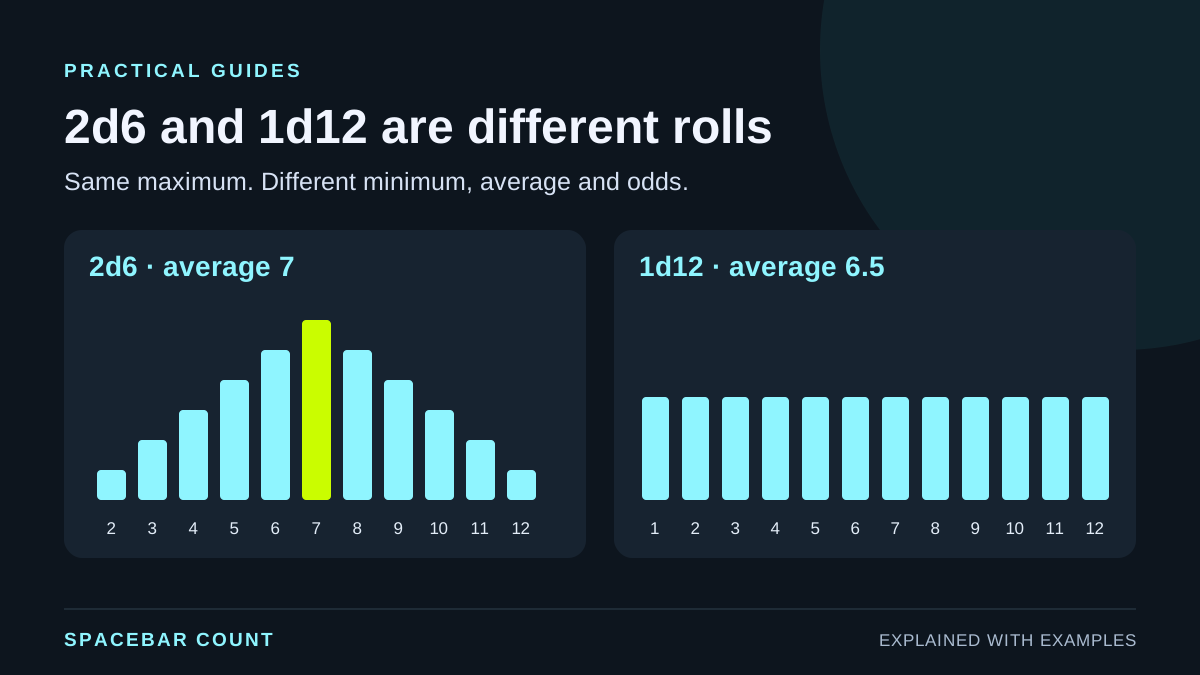
Compare 2d6 and 1d12 with a 36-outcome grid, exact dice probabilities and distribution charts. See why seven is common and equal maximums do not mean equal odds.
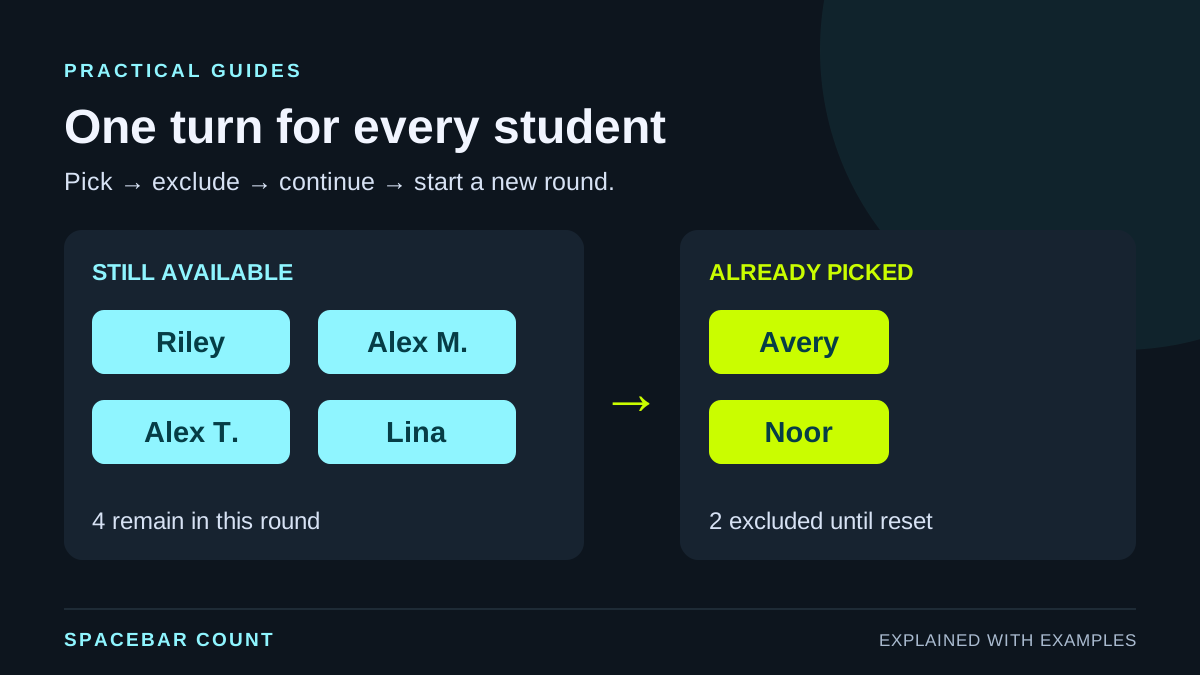
Build a classroom name list, exclude absent students, avoid accidental duplicate entries, and pick everyone once before starting a fresh round.
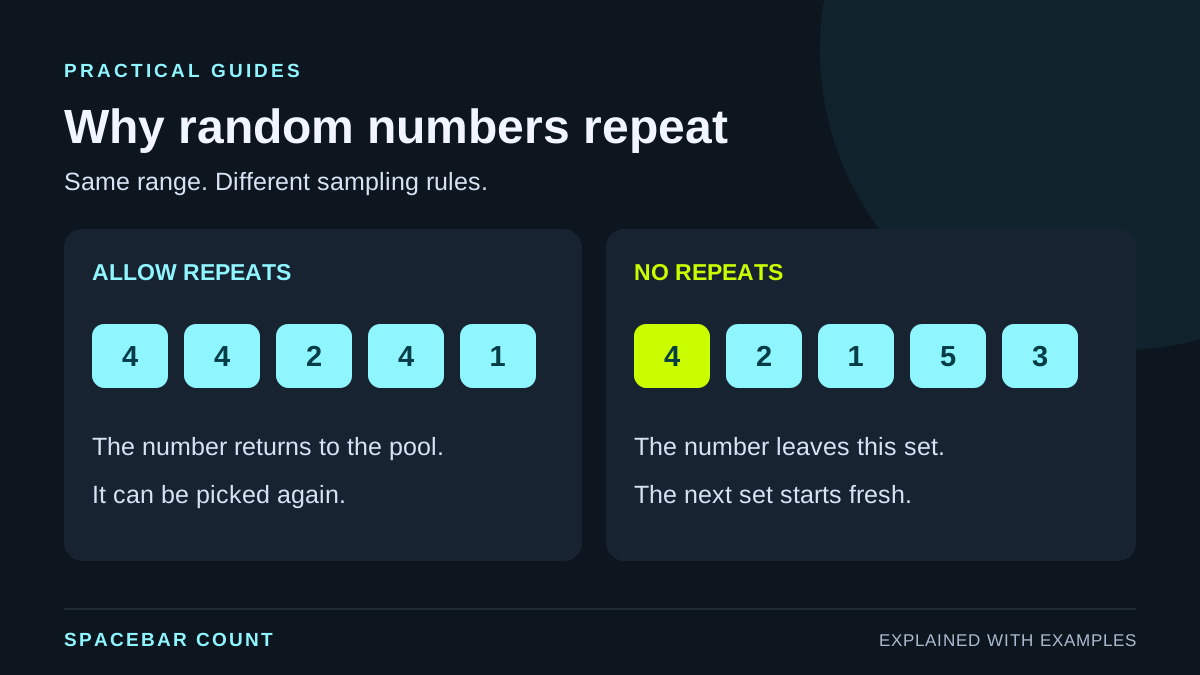
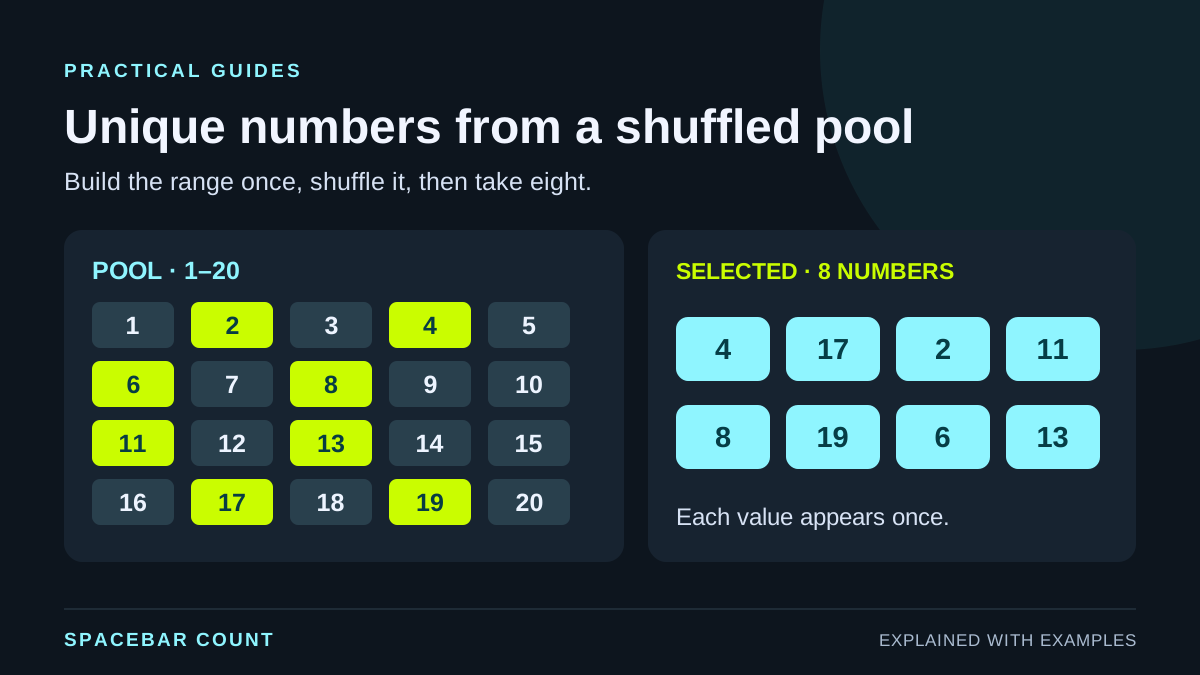
See why random numbers can repeat, how draws with and without replacement differ, and how to generate a unique set without duplicates.
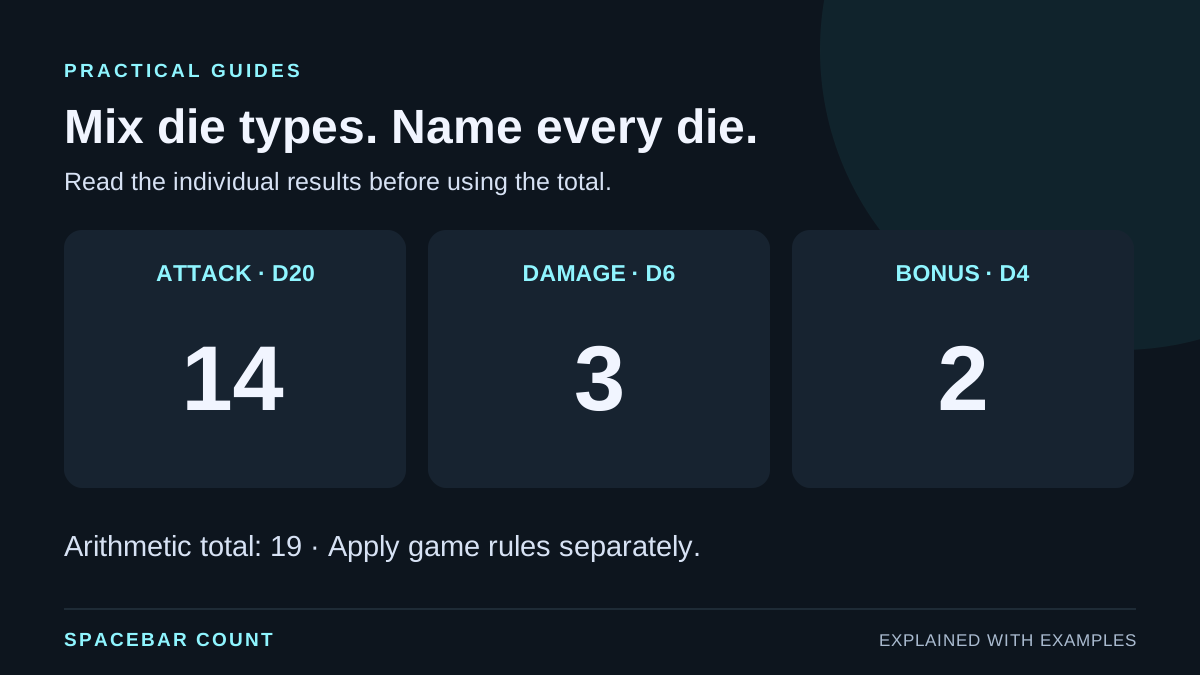
Build a mixed roll using D4, D6, D8, D10, D12 and D20 dice. Name dice, compare individual results with the total, and choose a clear display.
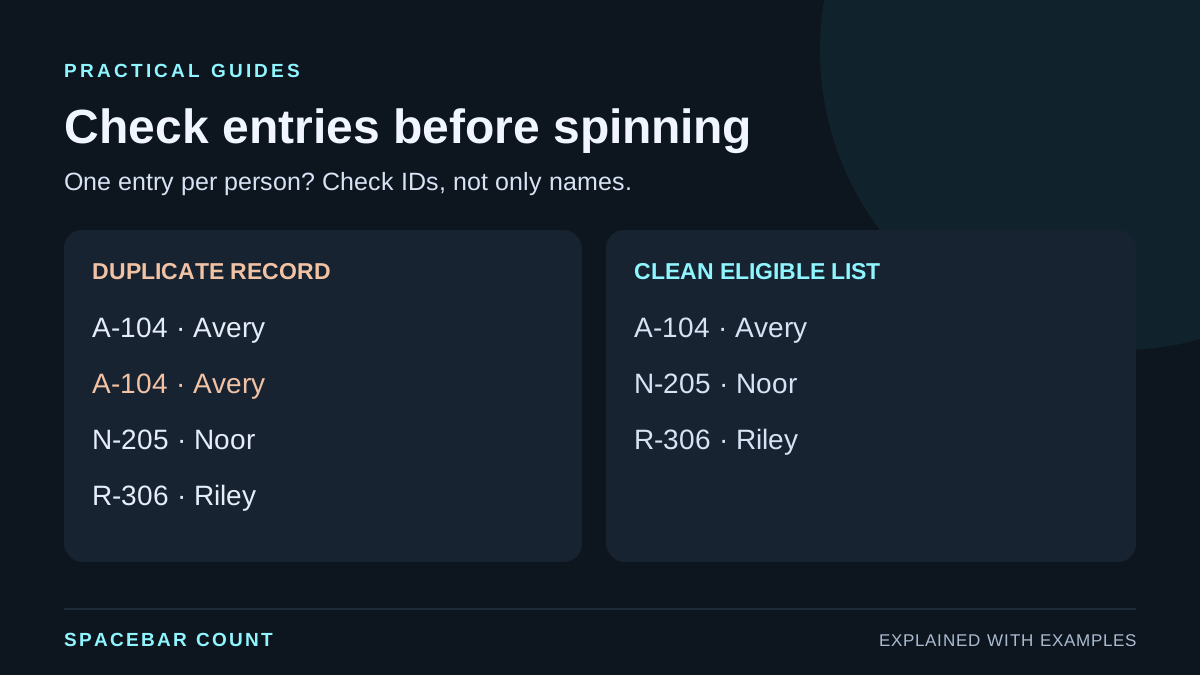
Prepare a giveaway entry list, distinguish duplicate records from shared names, exclude winners between rounds, and document the selection process.
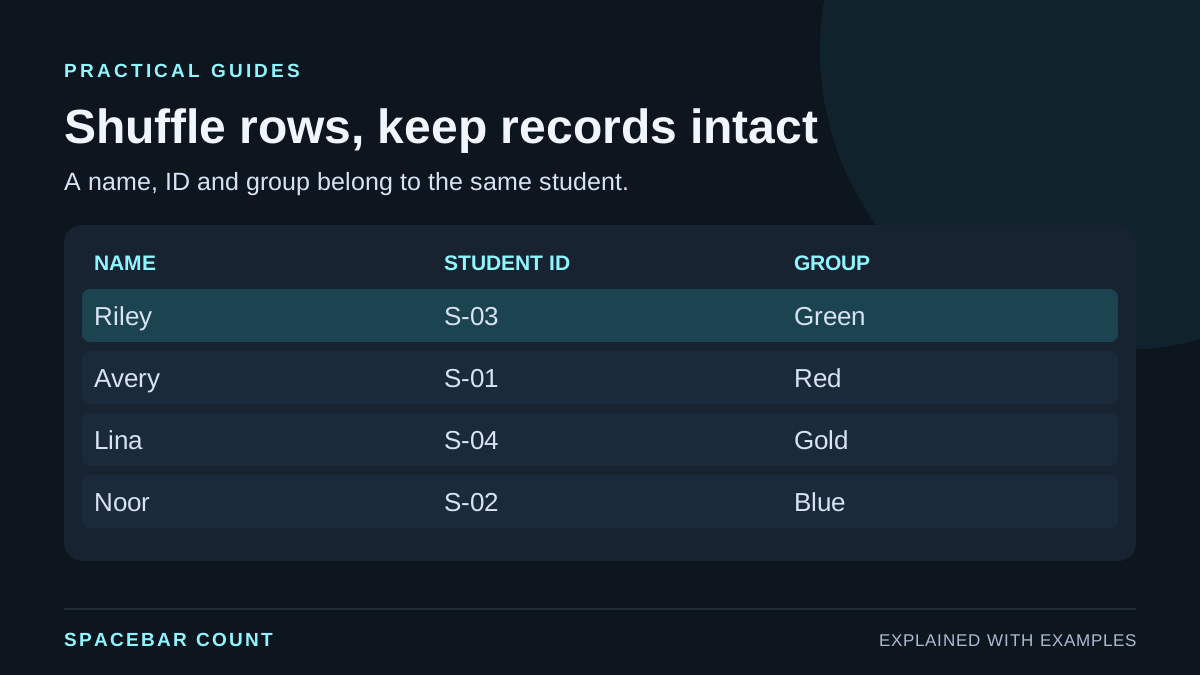
Keep records intact, account for every participant and build readable palettes.
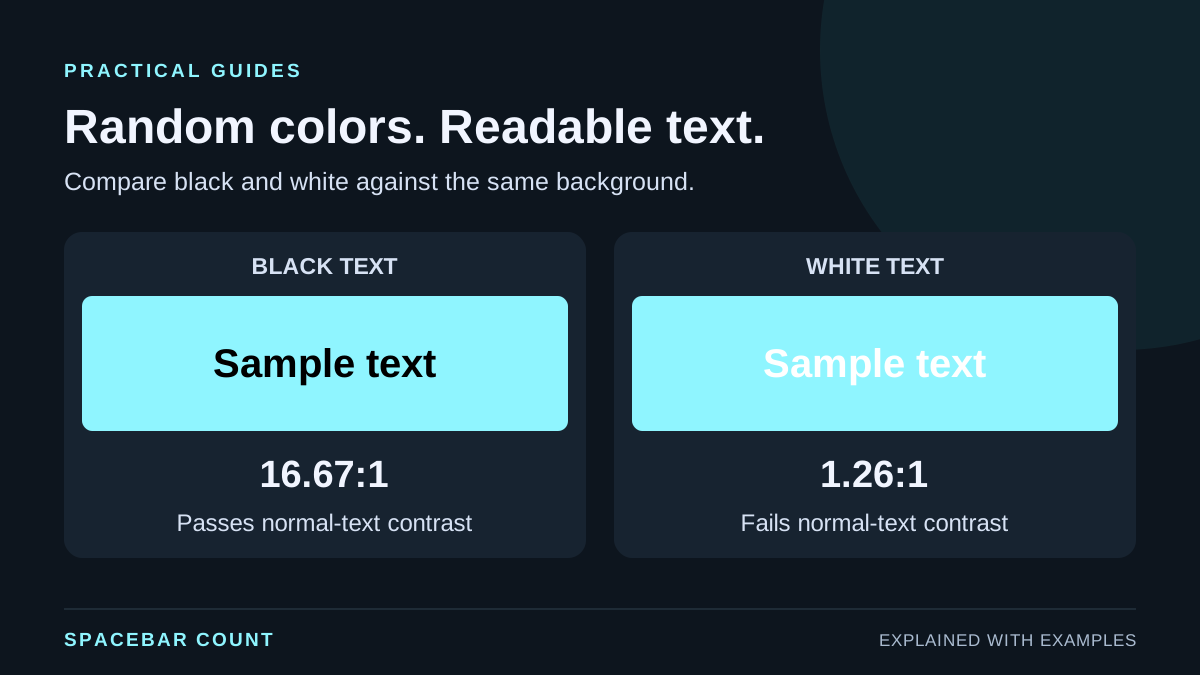
Generate a random palette, choose black or white text using contrast ratios, and copy hex, RGB or HSL values without assuming every color pair works.
Shuffle a single list or complete spreadsheet rows. Use SORTBY in Excel or a RAND helper column in Google Sheets, then save the result as values.
Create unique random integers in Excel and Google Sheets with copyable formulas, custom bounds and a quantity check. Shuffle a unique pool instead of removing repeats.
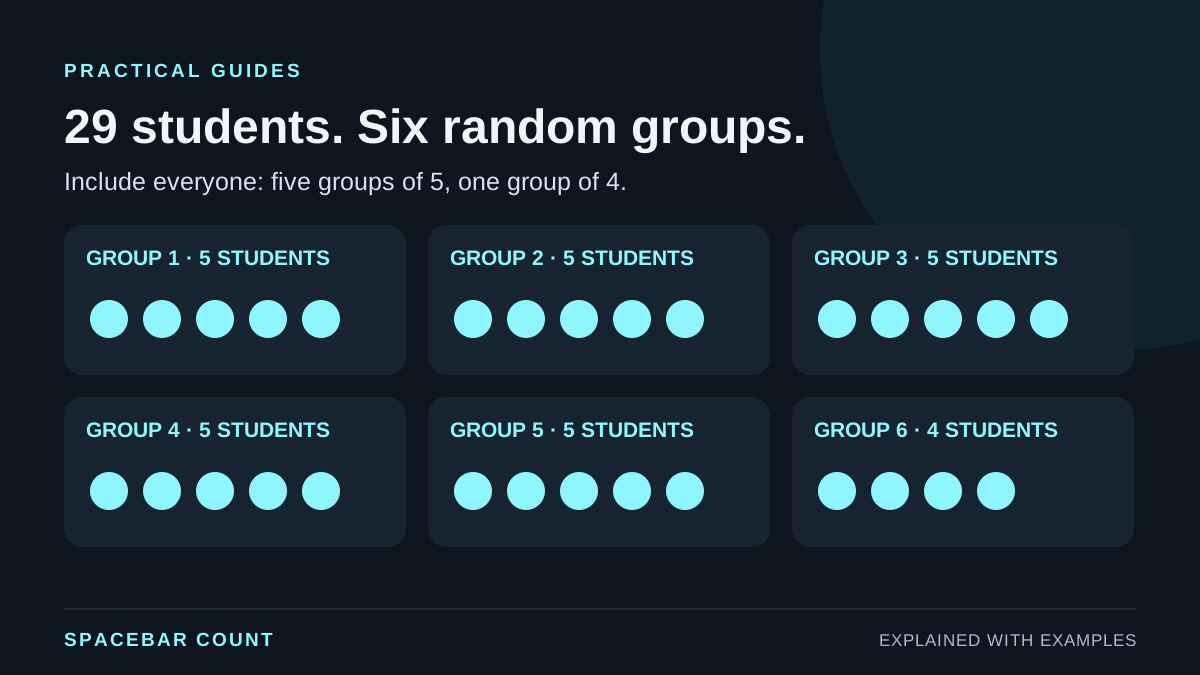
Split 29 students into random groups, compare pairs with a trio or a waiting student, and choose group count or size without losing anyone.
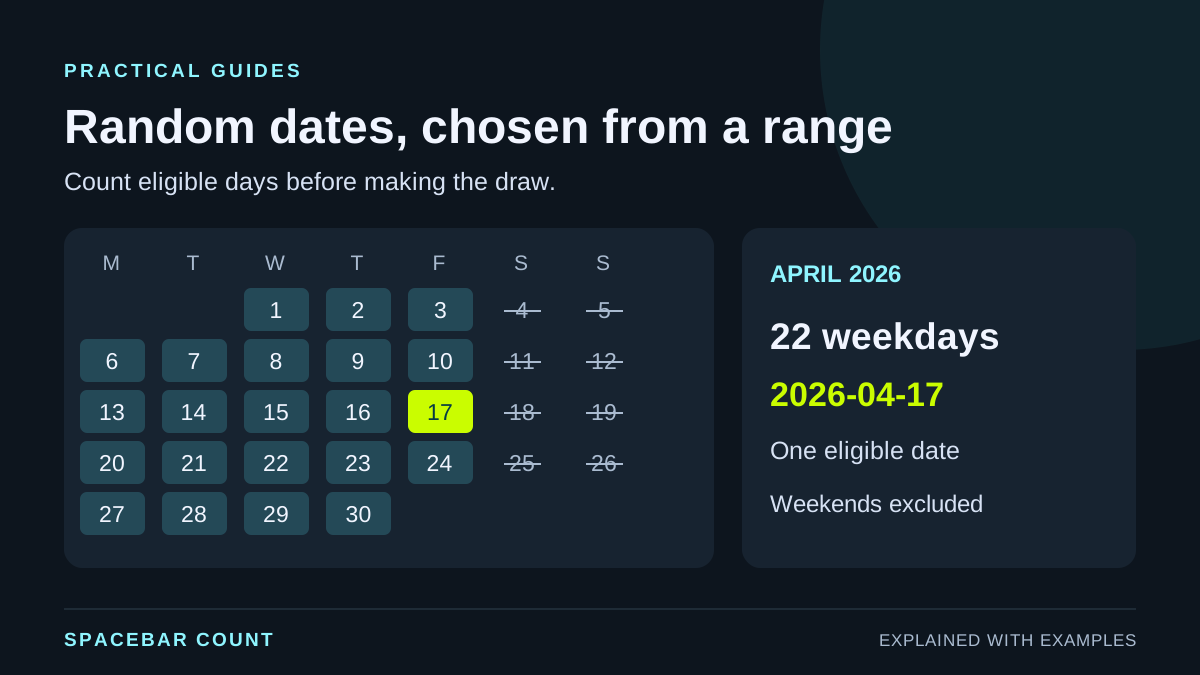
Generate random dates between two dates in Excel or Google Sheets, keep weekdays only, add a time and freeze results with copyable formulas and a visual calendar.
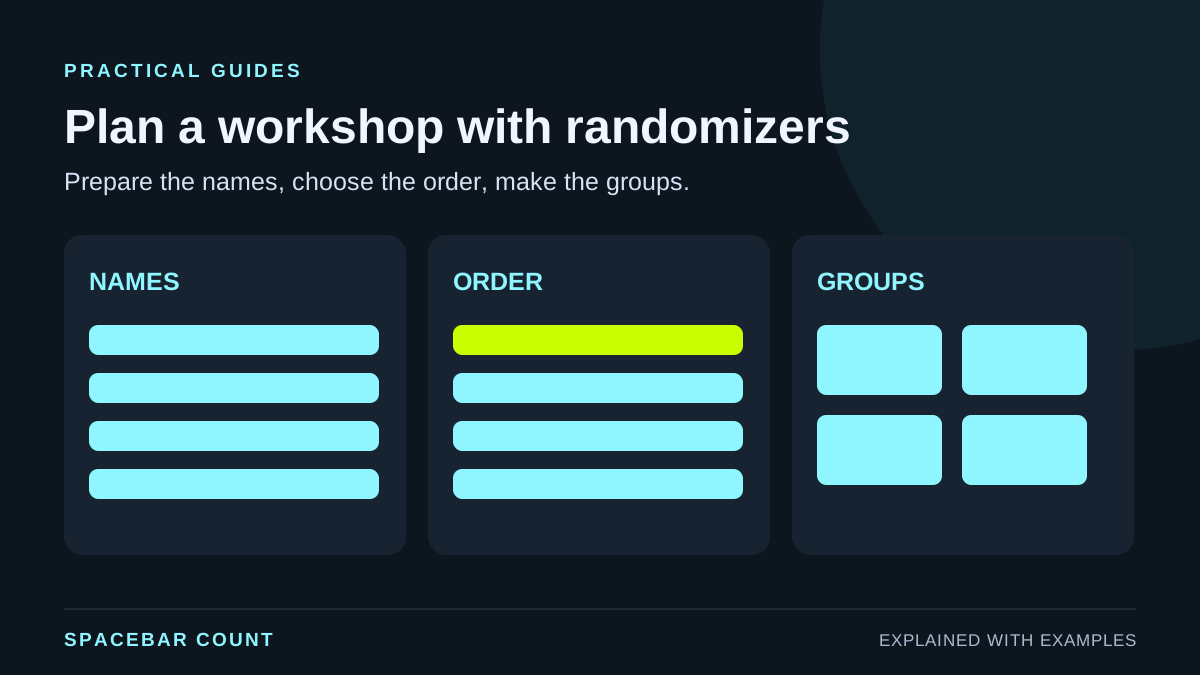
Use the wheel spinner, list randomizer, and team generator to plan workshops, classes, and team activities quickly.
Existing guides for speed, timing, consistency and practice.
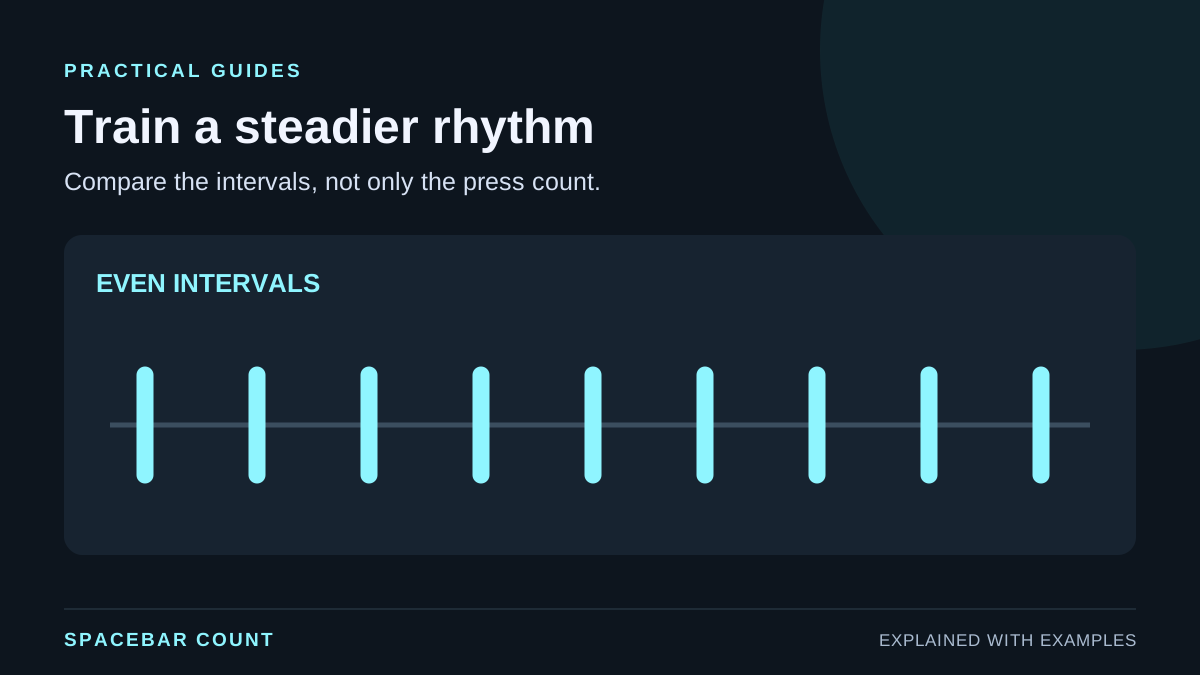
Follow a short consistency mode training plan to stabilize your CPS, reduce timing variance, and build reliable speed over time.
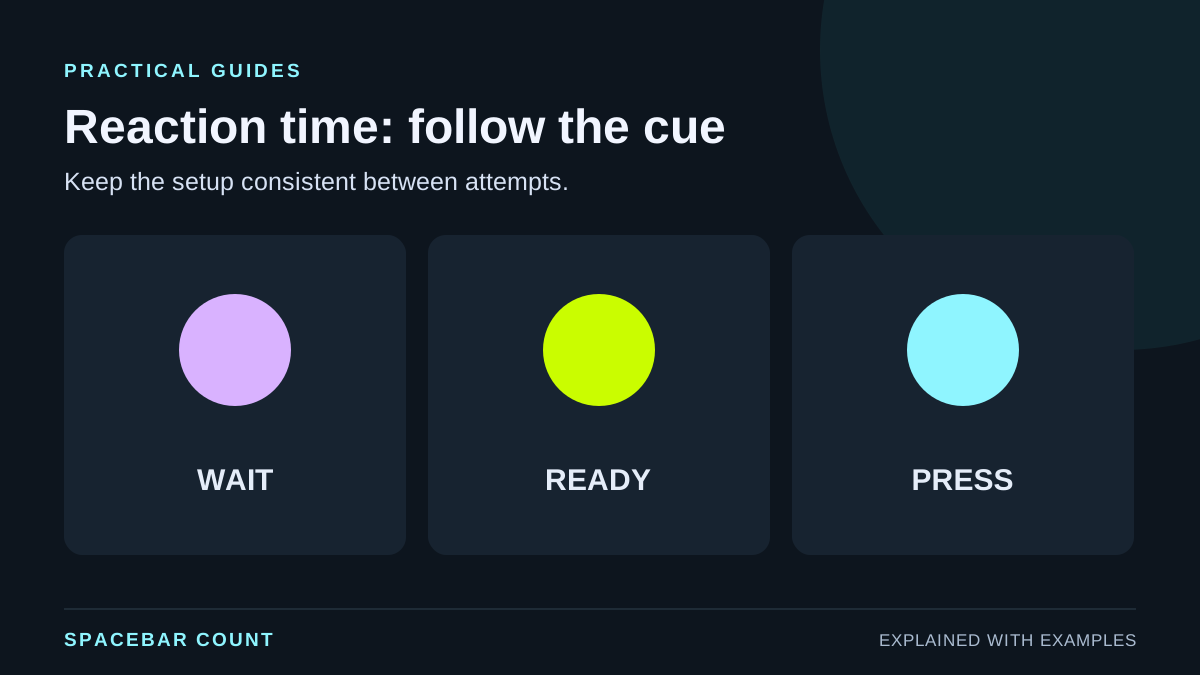
Learn how to run a clean reaction time test and improve your start speed with a simple setup, warmup routine, and tracking plan.
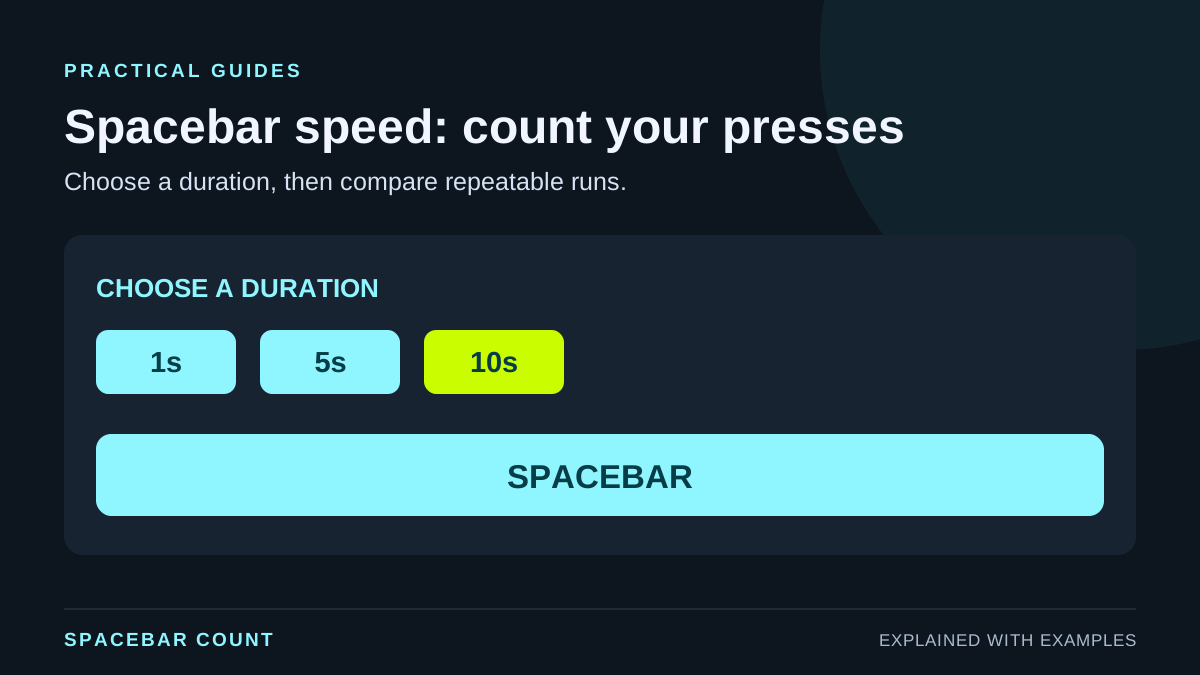
Learn how to measure CPS accurately with the Spacebar Count speed test. Setup tips, timing advice, and repeatable results for keyboard and mobile.
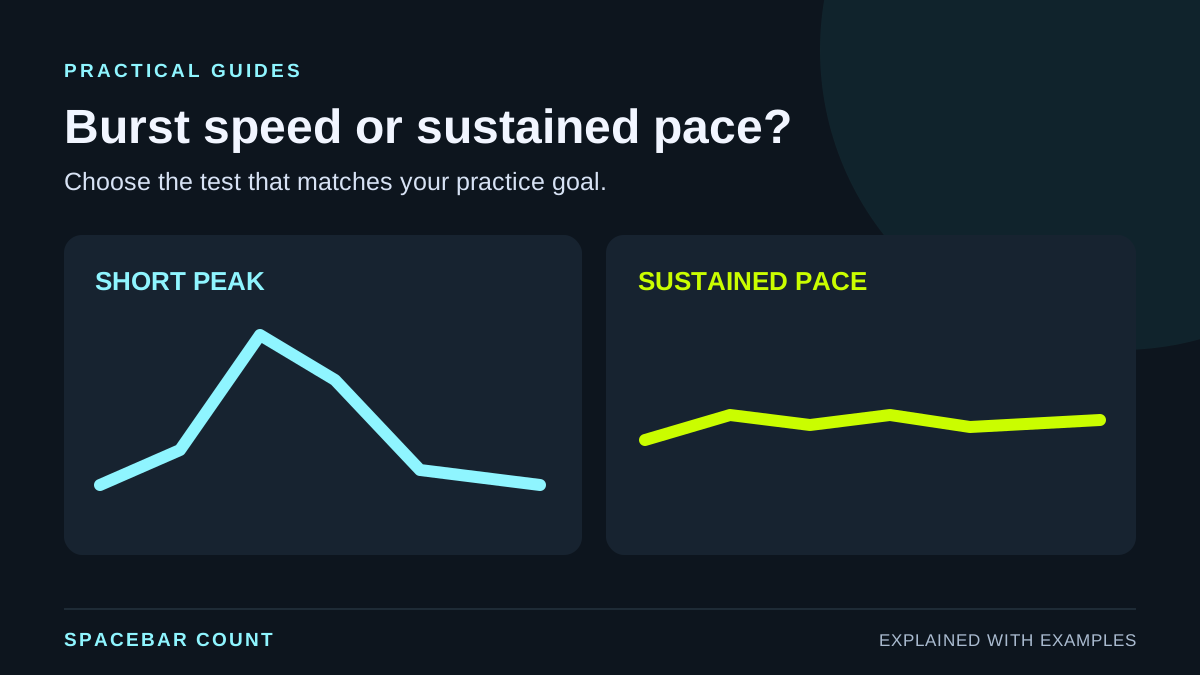
Compare burst and endurance spacebar tests to pick the right CPS benchmark for your training or gaming goals.
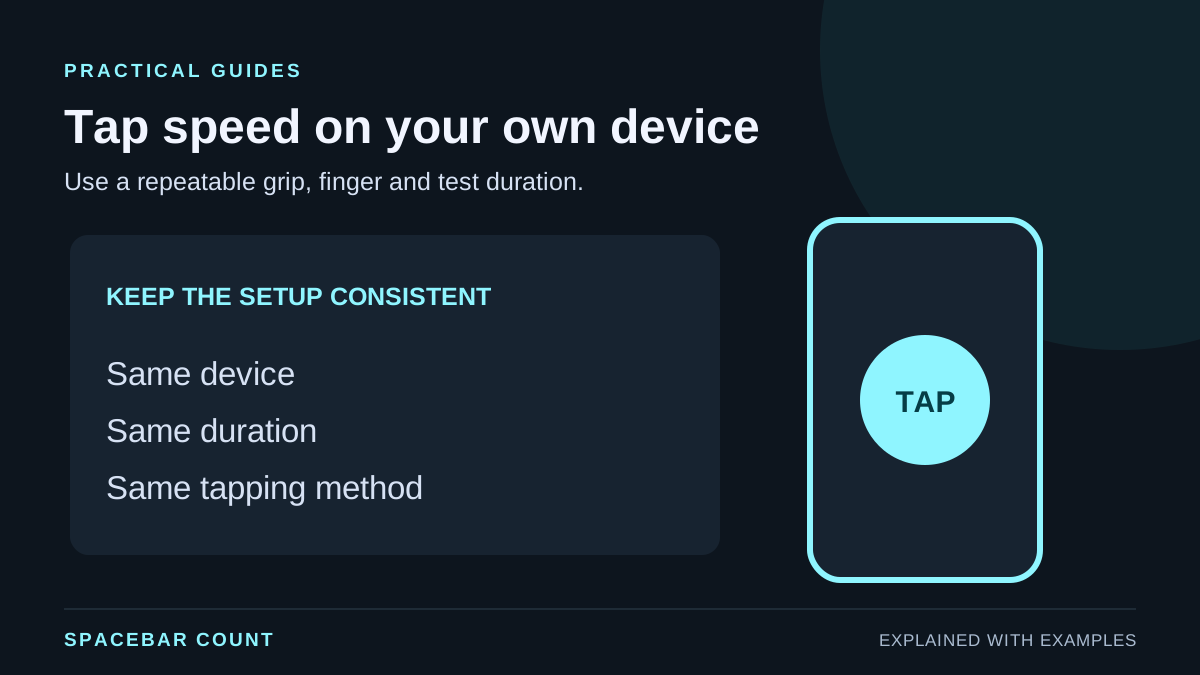
Get accurate CPS results on mobile with finger placement, grip tips, and timing advice for Spacebar Count tests.
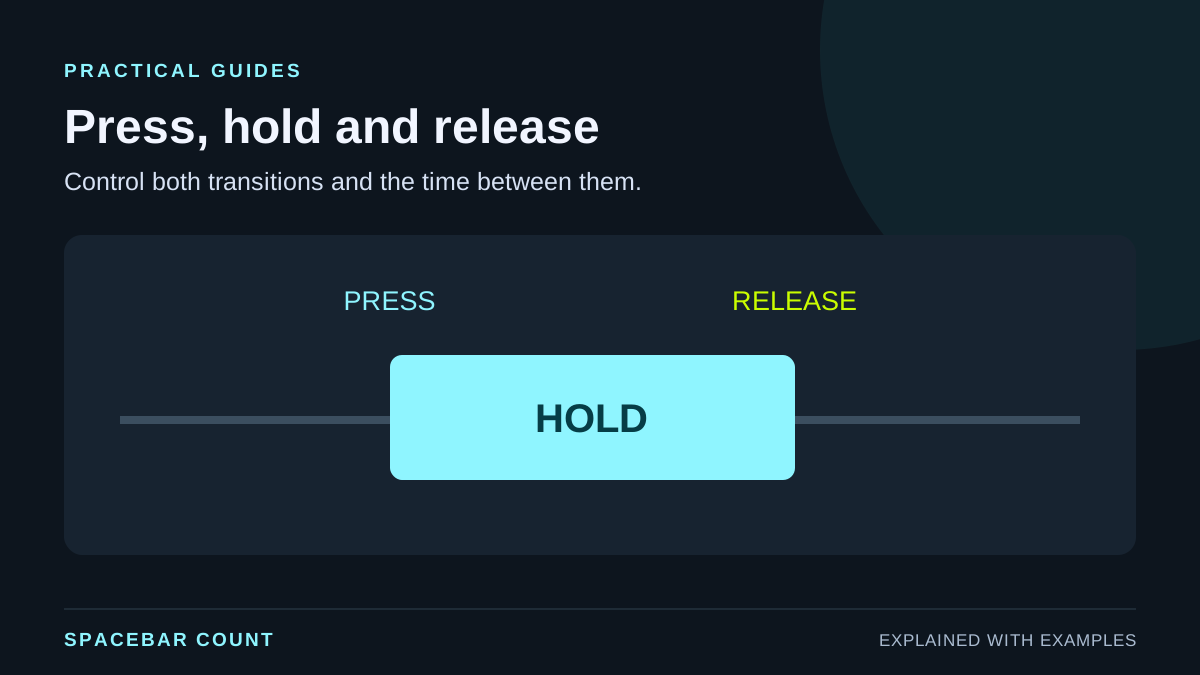
Improve timing and control with hold and release drills. Learn how to use the Spacebar Count mode for rhythm and consistency.