Random draws
How to Pick Students Randomly Without Repeats
For a round in which everyone gets one turn, keep a pool of eligible names and remove each picked name until the round is complete.
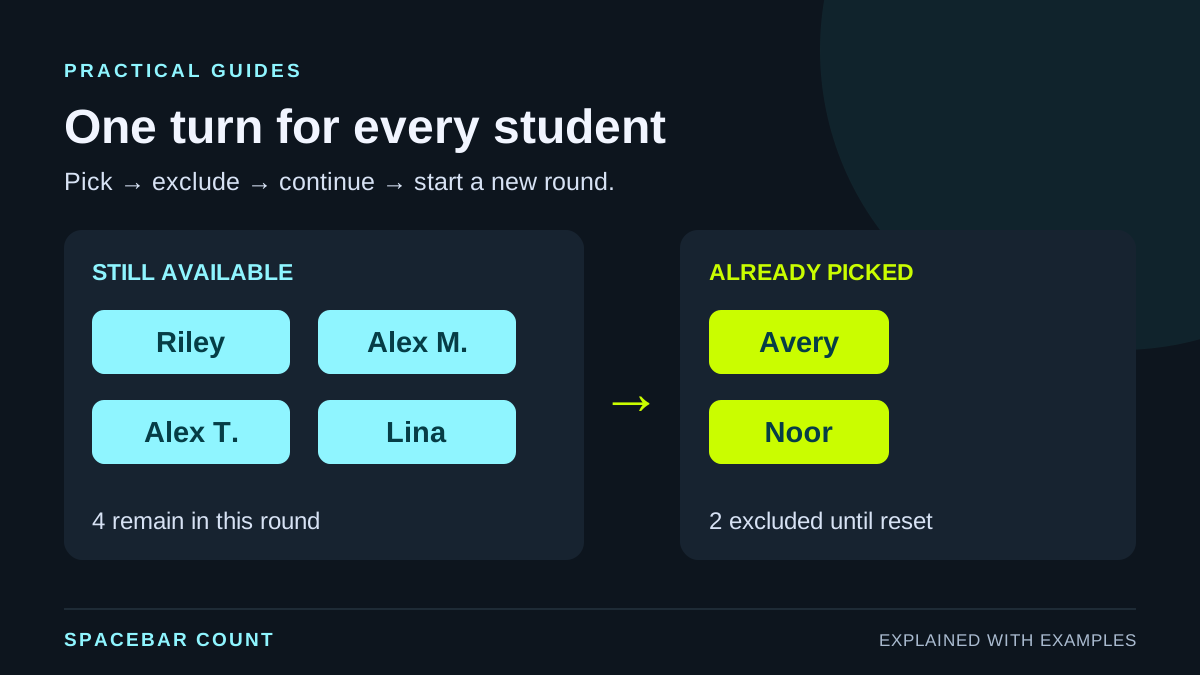
Choose the rule before the first pick
For one turn per student: add each eligible student once, hide or remove the selected name from the active pool, and restore everyone only when the round ends. Repeatedly spinning an unchanged wheel can pick the same student again.
Decide whether you are selecting one volunteer, taking turns through the whole class, or forming groups. A no-repeat name pool fits taking turns. The team generator fits assigning everyone to groups in one operation.
Check attendance first. Use a distinguishing label for two students with the same name, such as Alex M. and Alex T. A repeated name is not enough evidence that two records belong to the same person.
Watch a complete no-repeat round
Pick six example students once each
These are fictional names. Each pick moves one name out of the available pool; reset starts a new round.
6 available; nobody has been picked yet.
Excluding a picked student changes the next selection: it is made from fewer available names. Do not restore a selected name between picks if your stated rule is one turn each.
Prepare a clean classroom list
Use one student per line. Here is a small fictional list you can copy to try the tools:
Avery
Noor
Riley
Alex M.
Alex T.
LinaRemove absent students before the round. If a participant leaves later, update the active list before the next pick. Keep enough information to distinguish people, but avoid putting unnecessary student information on a projected screen.
With equally weighted entries, the same person listed twice occupies two slots. Two different students with the same first name should remain as two distinct, identifiable entries.
Use the wheel and hide each selected name
- Open the wheel spinner, choose Add a list, paste the names, and select Done.
- Check the list and active-options count before spinning.
- Choose Spin the wheel. When the result appears, select Hide this option.
- Check that the selected entry is hidden and the active count has decreased before spinning again.
- When everyone has had a turn, use the entry’s Show control to restore hidden entries for the next round.
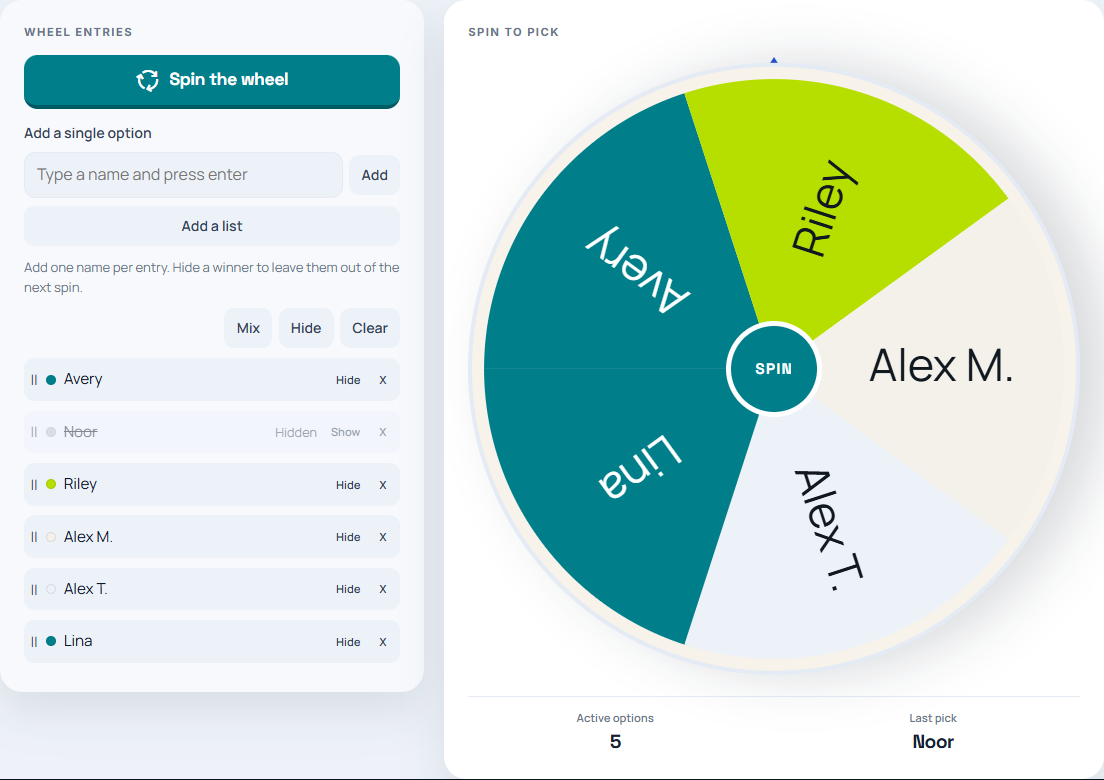
The wheel’s Mix control changes the arrangement of entries. It is not the action that excludes a previous winner. Use Hide this option when you need a round without repeats.
Use a name picker when you do not need a wheel
In the choice picker, paste the names and enable Pick each item once before repeating. Set Items to pick to 1 for one student at a time, or select several available students in a batch.
The picker finishes the remaining pool before refilling it. If you request three names when only two remain in that round, that pick returns the remaining two. Once the pool is exhausted, a later pick begins a fresh round. Use Reset pool when you deliberately want to restart earlier.
For 29 students split into groups, use the separate odd-number group guide. That keeps the choice of group sizes explicit instead of accidentally excluding one student.