Spacebar Tests
Spacebar speed test: how to measure CPS accurately
Get clean, repeatable CPS results with a simple setup checklist, the right timing strategy, and a consistent way to compare runs over time.
Before you start
Measuring clicks per second (CPS) only matters if the results are consistent. This guide shows how to set up your test, choose the right duration, and interpret results so you can track progress or compare with friends.
1. Prep a stable test environment
Consistent results start with the same device, browser, and routine. If any of those change, your numbers will shift.
- Close heavy apps and background downloads to avoid timing hiccups.
- Disable sticky keys or macro software that can alter inputs.
- Stick with one keyboard or phone for at least a week.
- Use full-screen mode to avoid accidental focus changes.
Tip: Warm up with two or three short runs before logging results. This reduces early-session variance.
2. Choose a duration and scoring rule
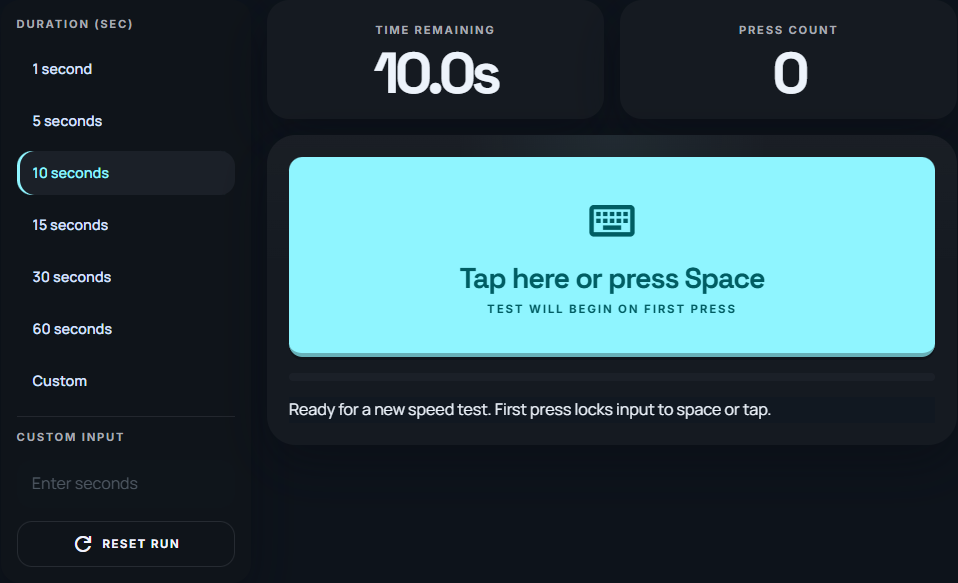
Short tests (1 to 5 seconds) emphasize peak speed, while longer tests (10 to 60 seconds) reveal endurance. Choose a duration based on your goal and keep it consistent.
| Duration | Best for | What to watch |
|---|---|---|
| 1 to 3 sec | Burst speed | Large effect from one extra press |
| 5 to 10 sec | Balanced CPS | Consistency across runs |
| 15 to 60 sec | Endurance | Fatigue and drop-off |
Pick a scoring rule before you start so comparisons stay fair.
- Best of 5 runs for quick comparisons.
- Average of 5 runs for training progress.
- Median of 5 runs if one score is a clear outlier.
Average CPS = separate presses ÷ elapsed seconds. A 45-press result in five seconds is 9 CPS; the same press count over ten seconds is 4.5 CPS. Holding a key to trigger the operating system’s repeat events is a different input from lifting and pressing again.
Calculate CPS from a completed run
Change the number of separate presses or the timed duration. Compare the average, rather than a momentary peak.
45 presses ÷ 5 seconds = 9 CPS. Holding a key down is not a series of separate presses.
The example includes every value shown above.
3. Lock in a repeatable technique
Keep your hand position and tapping style identical. If you change technique mid-test, your results become hard to compare.
- Place your dominant finger on the center of the spacebar.
- Use quick, consistent taps rather than long presses.
- Focus on rhythm instead of pure force.
4. Run a simple test routine
Standardize your routine so every session looks the same.
- Warm up with two short runs that you do not log.
- Run five measured tests with the same duration.
- Rest for 60 to 90 seconds between runs.
- Log each score with a short note on how it felt.
5. Read results the right way
Track your last five runs instead of focusing on a single score. If your average improves, you are progressing even if a single run dips.
- Compare your average to last week, not your peak.
- Watch the spread between runs for consistency.
- Adjust duration if fatigue drops your final runs.
6. Fix inconsistent scores
If your numbers swing wildly, remove one variable at a time and retest.
- Keyboard: loose spacebar, worn switch, or uneven actuation.
- Browser: the tab loses focus or the page scrolls.
- Mobile: changing grip or tapping off-center.
Return to a shorter duration while you rebuild consistency, then increase time again.
7. Next steps
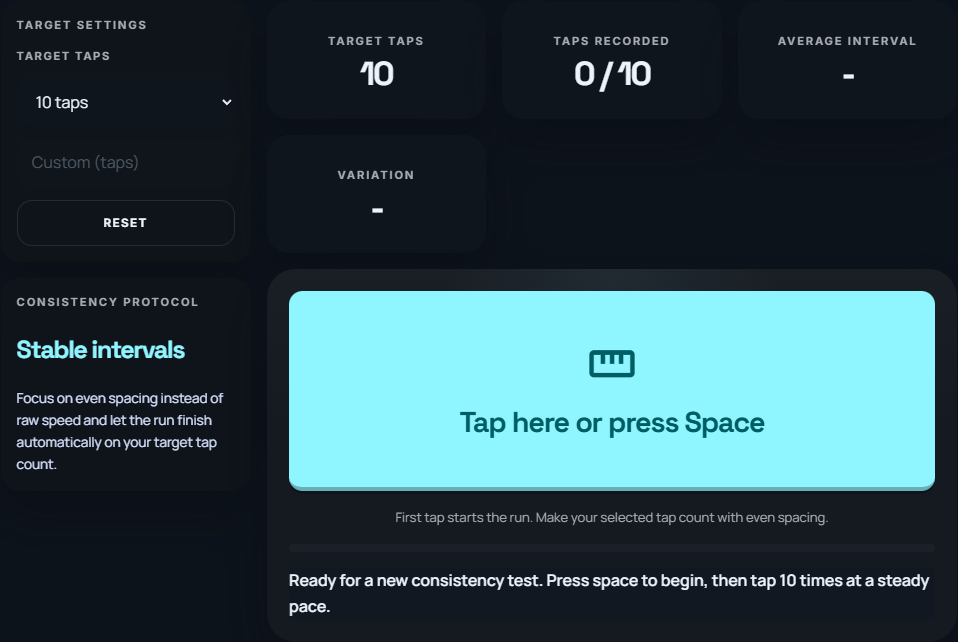
When your speed score plateaus, try the rhythm and consistency modes. They measure different aspects of timing, so record their results separately instead of treating them as interchangeable CPS scores.
Quick checklist
- Same device every run
- Stable test duration
- Warm-up first
- Pick a scoring rule
- Track the last 5 results