Random draws
Dice Roller Guide: Mix Die Types and Name Each Die
You can roll several different die types together and label each die. Keep those individual results visible when the sum is not the whole answer.
Match the die to your rule or activity
| Notation | What to choose | Possible sum |
|---|---|---|
| 1d20 | One D20 | 1–20 |
| 2d6 | Two D6 dice | 2–12 |
| 1d6 + 1d4 | One D6 and one D4 | 2–10 |
The tool supports D4, D6, D8, D10, D12 and D20. A D6 produces a value from 1 through 6. “2d6” means two separate six-sided dice, not a single uniform draw from 2 through 12. Multiple dice can produce the same face value.
Add several different die types to one roll
- Open the dice roller. Use Clear roll if you want to start from an empty roll.
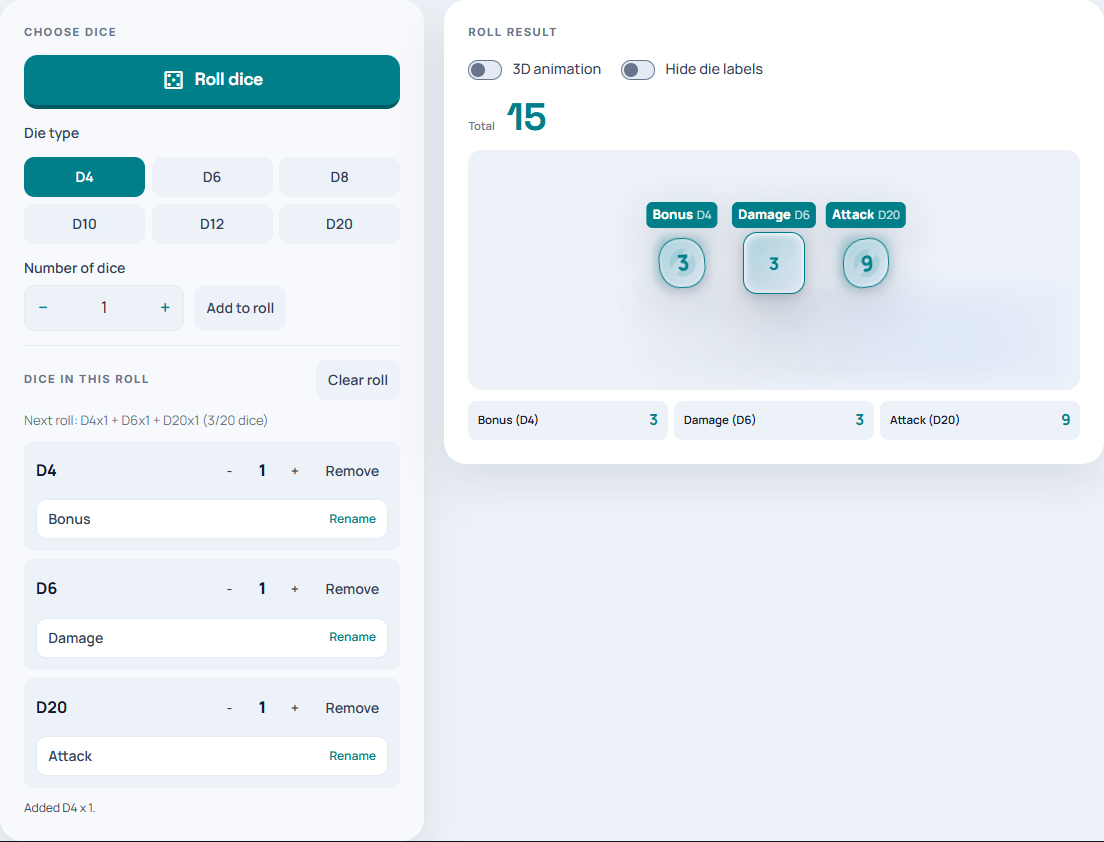
- Select D20, set Number of dice to 1 and choose Add to roll.
- Select D6, keep Number of dice at 1 and choose Add to roll again.
- Add a D4 the same way. Check that the roll contains one of each type.
- Click Roll dice to roll the complete pool.
The mixed roll supports up to 20 dice. When you add another die type, it joins the pool rather than replacing every existing die with the newly selected type. Clear roll removes that pool; without a mixed pool, the current die type and count define the roll.
Name dice so the results are meaningful
Use the label control for a die to open Edit die label, enter a short name, and select Save. For example, label a D20 “Attack”, a D6 “Damage” and a D4 “Bonus”. When two dice share a type, separate labels can distinguish their purposes.
Keep game interpretation separate. Adding an attack result to a damage result does not automatically create a meaningful game outcome. Read the individual labels and apply the rules of your game to the appropriate values.
Roll a named example
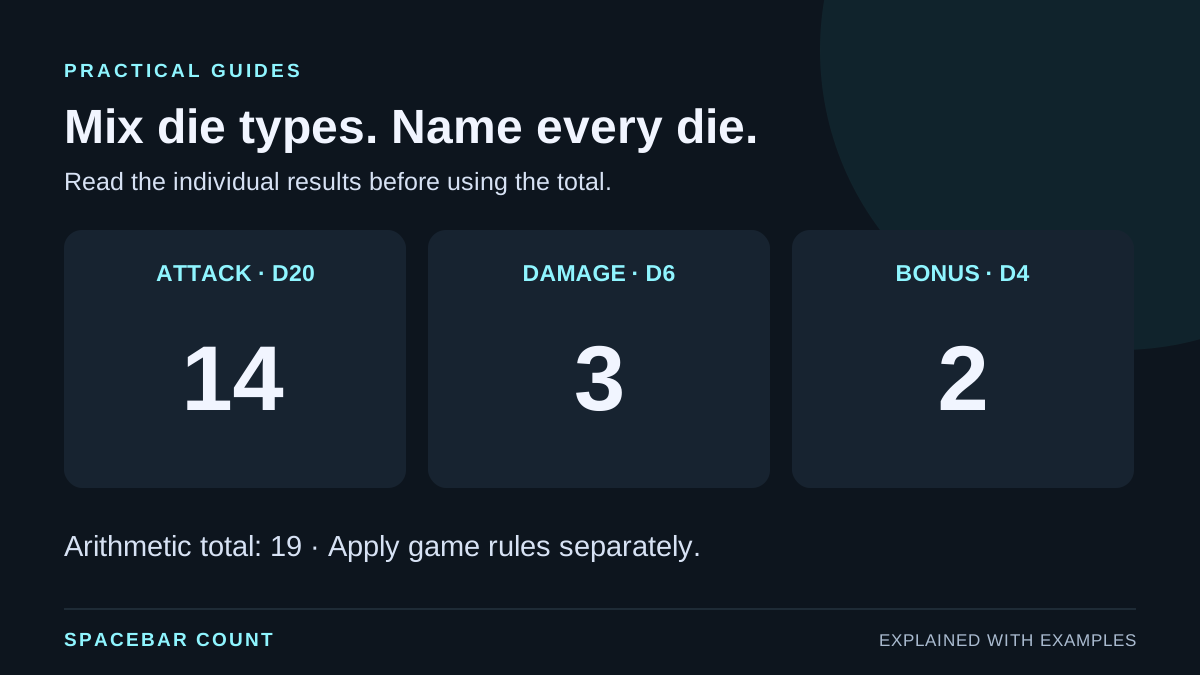
This illustration has one D20, one D6 and one D4. It shows how separate results relate to their sum.
Arithmetic total: 19
The die types stay fixed while their values change.
Choose a readable display and inspect the result
The tool offers a 3D dice view and visible die labels. Use those controls to choose the display that makes the individual results easiest to read on your device.
Check the total against the individual values when you need to explain a result. The illustrated roll of 14, 3 and 2 sums to 19. Copy or record any result you need to keep before leaving the page; this guide does not promise an account-based roll archive or saved roll templates.
Use dice correctly in a probability lesson
With two ordinary six-sided dice there are 36 ordered face pairs. A sum of 7 has six pairs; a sum of 2 has only one. That is why 2d6 is not interchangeable with a single equally likely number from 2 to 12.
Use a tally over many rolls to compare outcomes. One roll of ten dice is a small set of observations, not a demonstration that the long-run distribution has settled. A short run can contain repeated values or miss possible totals.
If your activity requires unique numbered questions rather than independent dice faces, use the number generator with No repeats and read the draws with and without replacement guide.