Spacebar Tests
Reaction time test guide: faster starts and cleaner timing
Improve your first tap timing with a consistent setup, short warmups, and a simple way to track your median reaction time.
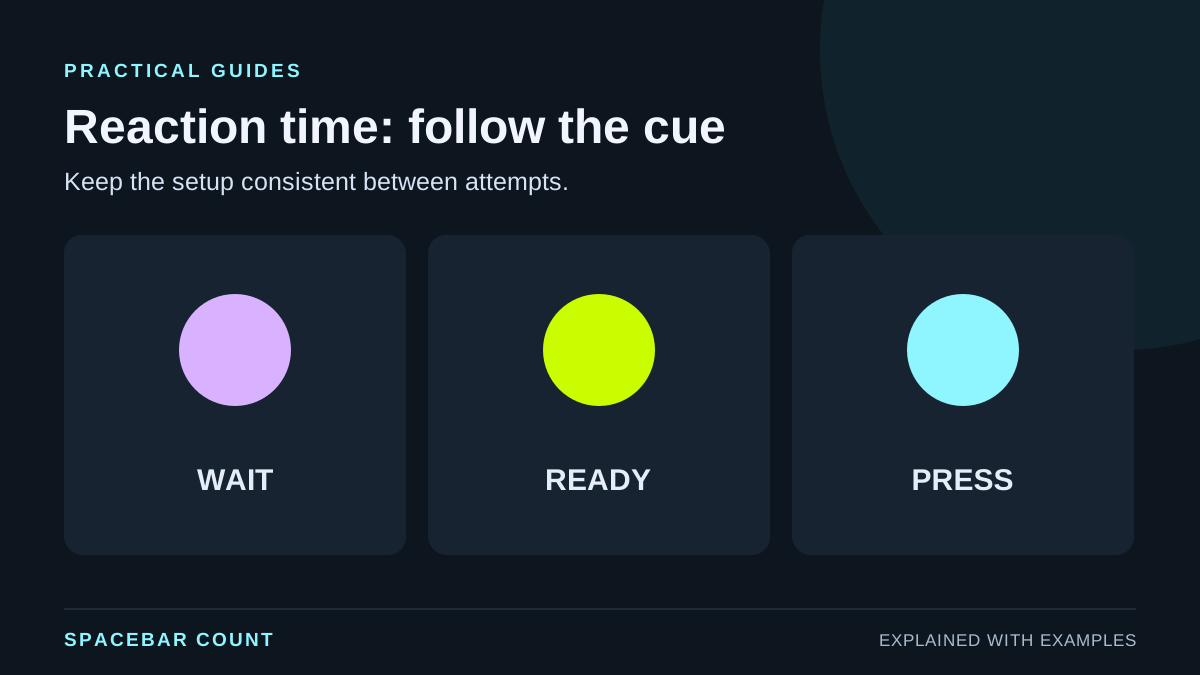
Before you start
Reaction time tests measure how quickly you respond to a signal. The key is repeatability. If your setup or routine changes, your numbers stop being comparable.
1. Know what the test measures
Reaction time is about recognizing the visual cue and sending the first key press. It is not a speed test or endurance test.
- Short, single taps are the goal.
- Timing is more important than force.
- Consistency matters more than a single best run.
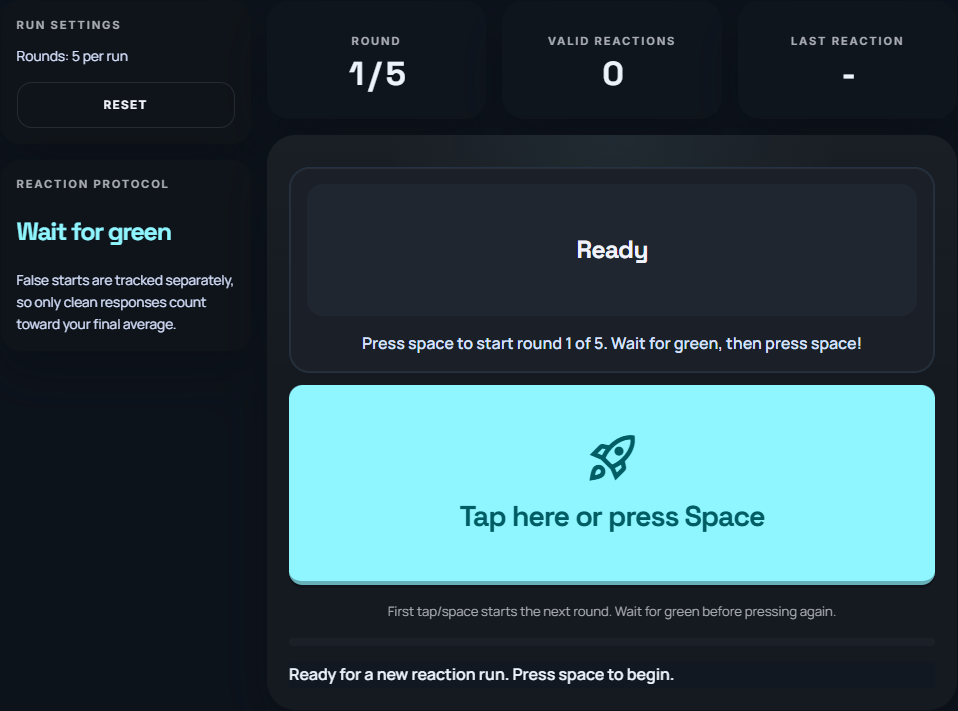
A browser records the time from presenting its cue to handling your response. This includes the device and browser as well as your action. It is a personal comparison tool, not a clinical measurement of your nervous system. Pressing before the cue is a false start and has no valid reaction time.
2. Build a clean testing setup
Pick one device, one browser, and the same posture each session. The display, input device and browser all affect the path from the visual cue to the recorded input.
- Disable key remaps or macros.
- Use full-screen mode to avoid focus loss.
- Keep the same hand position and distance.
Tip: Turn off sound effects or notifications that can distract you between runs.
3. Run a quick warmup routine
Do three short warmup runs that you do not log. Then run five measured tests.
- Warm-up: 3 quick runs.
- Measured: 5 runs with 20 to 30 seconds rest.
- Track the median, not the single best.
4. Track the right numbers
The median of five runs tells you more than the fastest single try.
| Metric | Best for | Why |
|---|---|---|
| Best run | Personal best | Low repeatability |
| Median | Progress tracking | Stable baseline |
| Average | Training logs | Smooths spikes |
Compare your median, average and fastest reaction
Change the completed reaction times in milliseconds. See how one unusually slow attempt changes the summaries.
The slow fifth attempt raises the average much more than the median. Enter completed reactions only; a false start has no valid reaction time. Keep the full record instead of deleting a slow result just to improve the score.
The example includes every value shown above.
5. Train reaction speed without burnout
Keep practice conditions repeatable instead of prescribing a fixed training dose. Use a short warm-up, record one complete comparison set, and take a break if attention or comfort drops. A change between two sessions does not prove a lasting improvement: repeat the comparison on another day before drawing conclusions.
Rhythm and consistency tests measure timing in different ways. Keep their results separate from visual reaction time.
6. Fix slow or inconsistent results
Remove one variable at a time. If you change everything, you will not know what helped.
- Retest with the same browser and no extensions.
- Check for input lag on wireless keyboards.
- Try a shorter rest interval if you are losing focus.
Quick routine
- Same device, same seat
- 3 warmup runs
- 5 measured runs
- Track the median
- Rest 20 to 30 sec