Randomizers
Randomizer tools for workshops, classes, and teams
Make facilitation easier with quick spins, clean team assignments, and fair random choices.
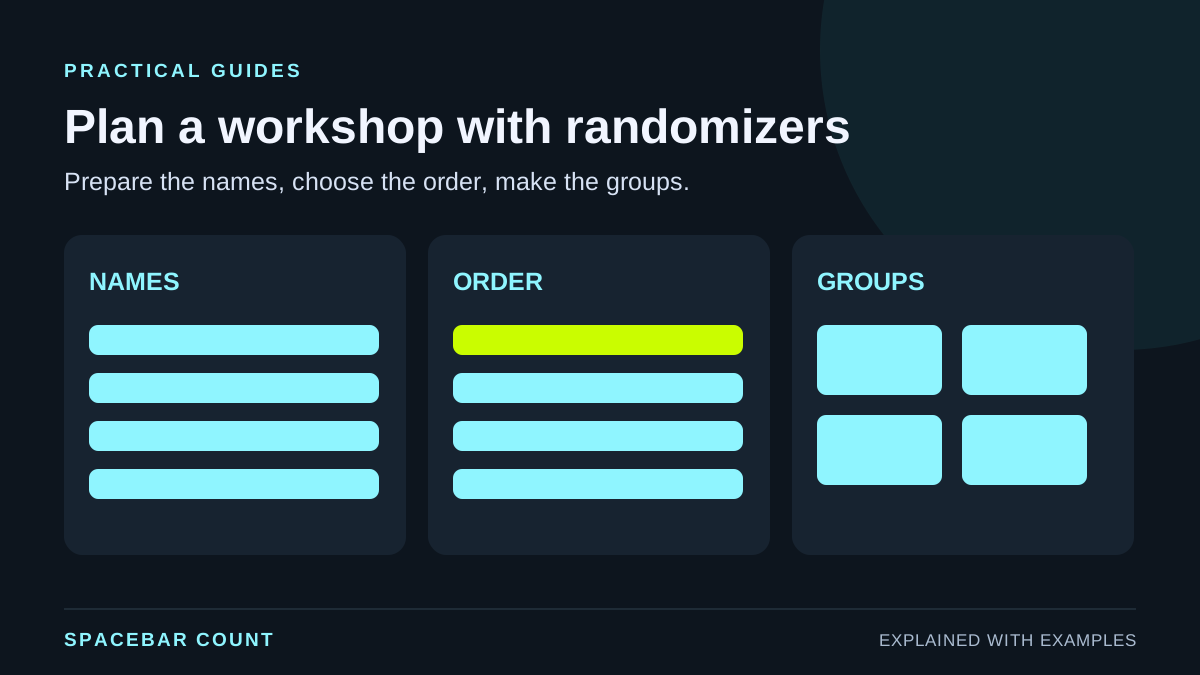
Before you start
Randomizers remove friction when you need fair, fast decisions. Use them to keep workshops moving and reduce bias in group selection.
1. Prep your inputs before the session
Collect names, topics, or tasks ahead of time so you are not typing live during the session.
- Use short, clear labels so spins are readable.
- Remove duplicate records, but keep different people with the same name as separate entries. Add a class ID or surname initial to distinguish them.
- Save a backup list in case someone drops.
2. Pick the right tool for the moment
Each randomizer does one job well. Choose based on the decision you need.
| Tool | Best for | Example use |
|---|---|---|
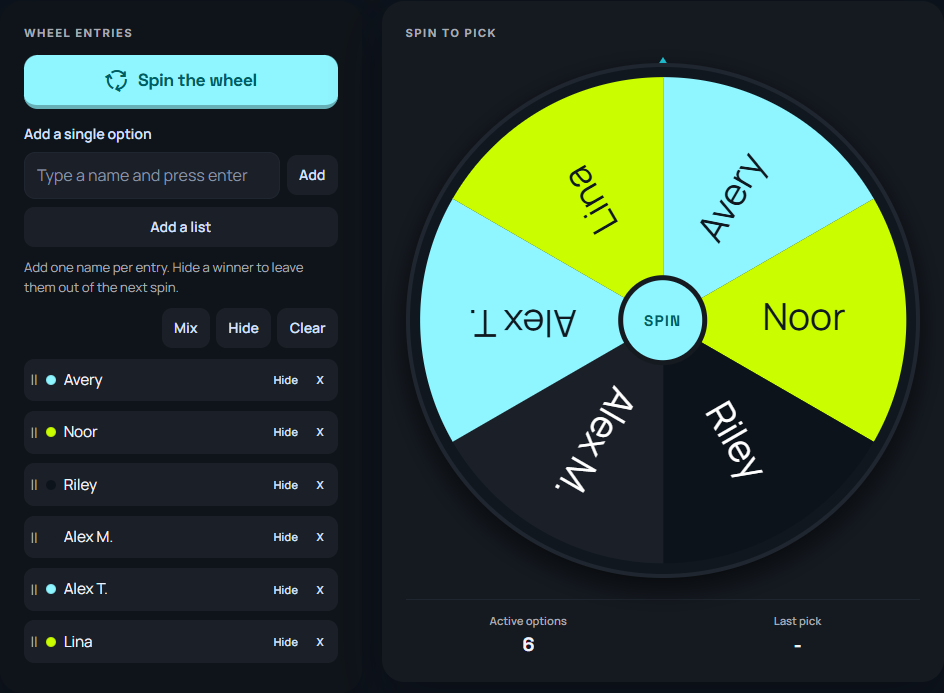
| Wheel spinner | Single pick | Pick a presenter |
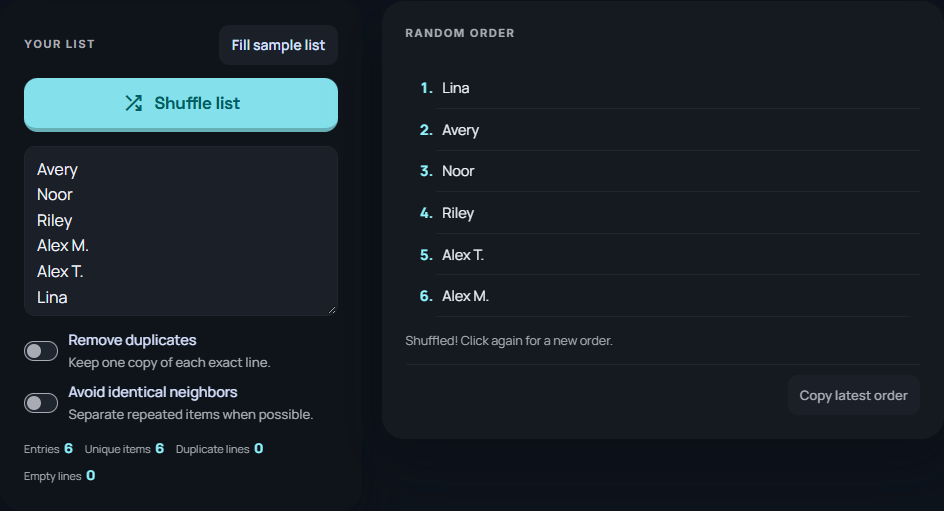
| List Randomizer | Order | Speaking lineup |
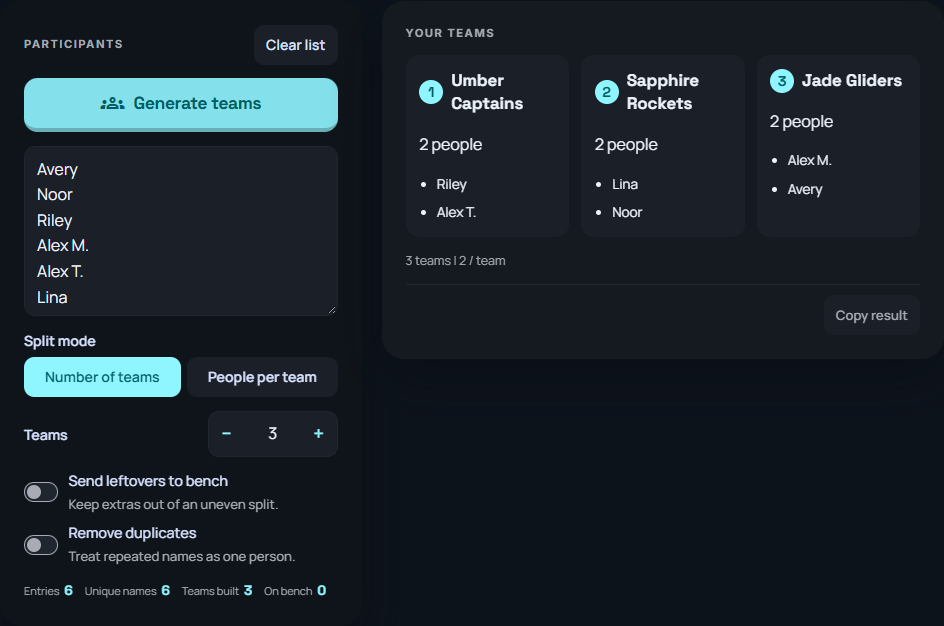
| Team generator | Groups | Project teams |
Plan group sizes before drawing names
Check that everyone fits before using the team generator. Group sizes should differ by at most one.
Give every participant a unique entry, shuffle the complete list, then divide it into these group sizes. This planner checks the sizes; use the team generator to draw the actual names.
The example includes every value shown above.
3. Keep the process transparent
Share your screen so participants see the randomization. Transparency builds trust and keeps outcomes fair.
Tip: Announce the rules before you spin so people understand how the result will be used.
Decide in advance whether a selected person stays eligible. For one turn per person, exclude each winner until the round is complete. For a speaking order, shuffle once and follow that list. For teams, shuffle the complete participant list and split it into balanced sizes. These are different rules and can give different results.
4. Save results and reuse templates
Copy the final list or teams into your notes. If the workshop repeats, reuse the same template to save time.
Save the input roster, absences, group-count setting and final output together. If somebody joins later, decide whether to redraw before seeing a new result. Showing a wheel spin makes the process visible; it does not, by itself, prove that the input list or selection rules were fair.
5. Combine tools for complex sessions
Shuffle a list to set speaking order, then spin the wheel for bonus prompts or icebreakers.
For specific workflows, see random groups with an odd number of students, no-repeat student picks, and shuffling spreadsheet rows without separating records.
Workshop quick start
- Collect names or topics
- Clean the list
- Shuffle the order
- Spin for final picks
- Save the output